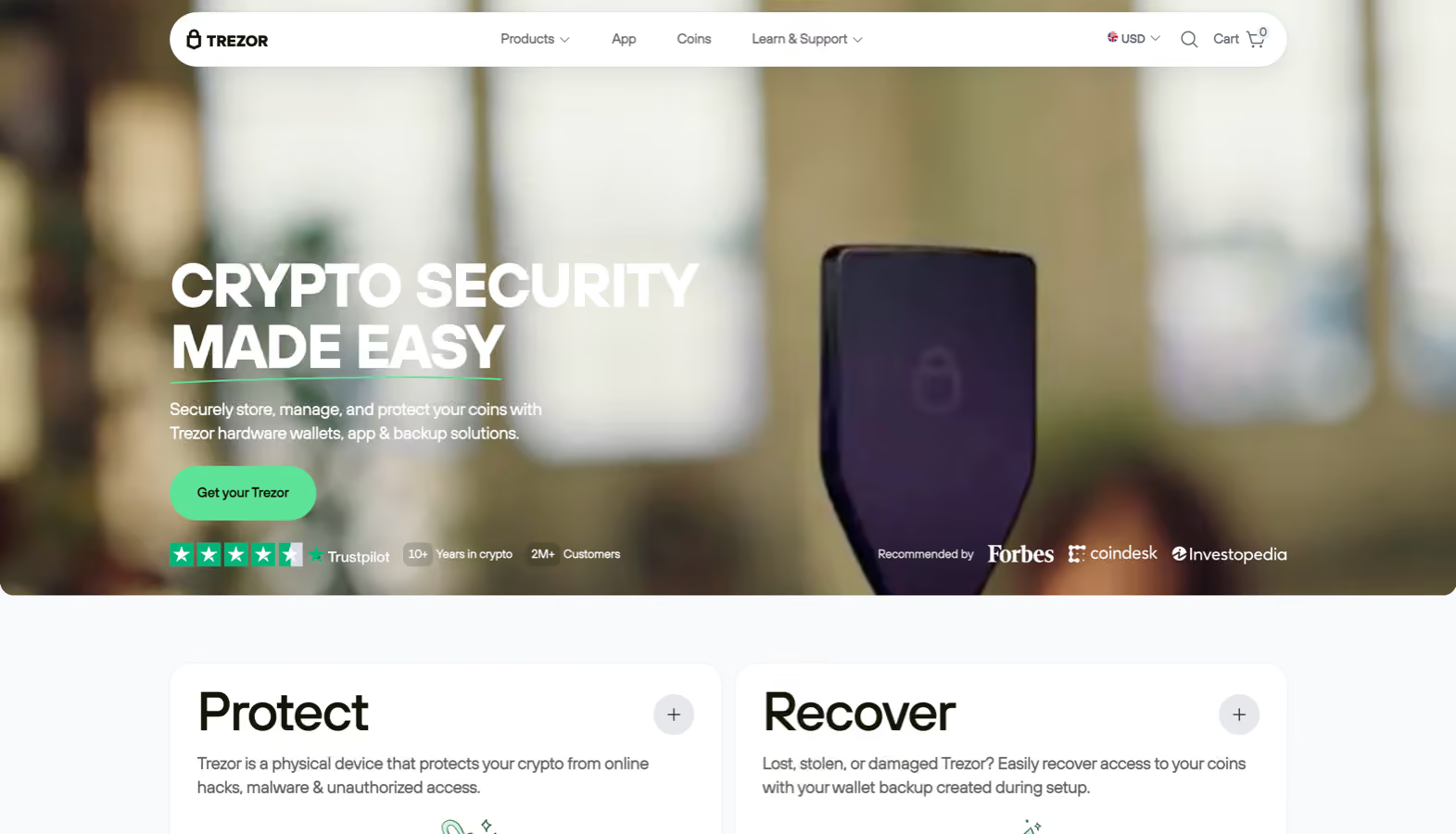
Trézor.io/Start – Easy and Secure Trézor Wallet Setup Guide
Are you ready to protect your cryptocurrency with a Trézor hardware wallet? Trézor.io/Start is the starting point for users who want to configure their device and learn how to manage their digital assets securely. Whether you are setting up your first hardware wallet or upgrading your cryptocurrency security, following the correct setup instructions can make the process simple and convenient.
Trézor hardware wallets are designed to protect private keys while allowing users to manage supported cryptocurrencies. From connecting your device to creating a secure PIN, every setup step contributes to a safer wallet experience.
Why Visit Trézor.io/Start?
Trézor.io/Start provides access to the official setup instructions for compatible Trézor hardware wallets. Users can find guidance for installing Trézor Suite, preparing their devices, and configuring essential security features.
The setup process is suitable for beginners and experienced cryptocurrency users. Following the official instructions helps you understand your device and its security functions before managing digital assets.
How to Set Up Your Trézor Wallet
1. Open the Official Trézor Setup Page
Start by visiting https://trezor.io/start. Check the website address carefully to ensure you are using the genuine Trézor website. Avoid advertisements, suspicious links, and unofficial setup pages.
2. Install Trézor Suite
Download the official Trézor Suite application from the Trézor website. Choose the appropriate version for your computer and complete the installation.
Trézor Suite offers a convenient dashboard for checking balances, managing supported cryptocurrencies, and reviewing transactions.
3. Connect Your Hardware Wallet
Use a compatible USB cable to connect your Trézor device to your computer. Open Trézor Suite and follow the instructions displayed on the screen.
Complete device verification and firmware installation if required. Confirm important actions directly on your hardware wallet.
4. Set Up a Strong PIN
Create a secure PIN to add another layer of protection to your Trézor hardware wallet. Choose a combination that is difficult for other people to predict.
Avoid using birthdays, repeated digits, or simple number sequences. Follow the instructions for your specific Trézor model to complete PIN configuration.
5. Back Up Your Recovery Seed
Your recovery seed is essential for restoring access to your wallet if your hardware device is lost, damaged, or unavailable.
Carefully record every recovery word in the correct order using the backup materials provided. Double-check the information and keep it somewhere private and secure.
Important Security WarningNever share your Trézor recovery seed with anyone. Do not photograph it, upload it to cloud storage, or enter it into unknown websites. Anyone with access to your recovery seed may be able to control your cryptocurrency.Key Benefits of Using Trézor
Trézor hardware wallets offer several useful features for cryptocurrency users:
- Private key protection: Keep private keys protected using dedicated hardware.
- PIN security: Help prevent unauthorized physical access to your device.
- Transaction verification: Review transaction details before confirming payments.
- Trézor Suite: Manage supported digital currencies through a dedicated application.
- Recovery support: Restore wallet access using your securely stored recovery backup.
Tips for a Safer Trézor Setup
Before completing your setup, remember these important precautions:
- Always download software from the official Trézor website.
- Keep your device firmware updated through official instructions.
- Choose a strong and unique PIN.
- Store your recovery seed offline in a secure location.
- Never disclose your recovery words to anyone.
- Verify transaction details on your hardware wallet before approval.
- Visit Trézor.io/Start.
- Download and install Trézor Suite.
- Connect your Trézor hardware wallet.
- Verify your device.
- Create a secure PIN.
- Back up your recovery seed.
- Keep your security information confidential.
Conclusion
Setting up your Trézor hardware wallet is an important step toward responsible cryptocurrency management. By following the instructions at Trézor.io/Start, you can connect your device, install Trézor Suite, configure a secure PIN, and create a recovery backup.
Take your time with every step and prioritize security throughout the process. Using official resources and protecting your recovery seed can help you manage your digital assets with greater confidence.